Simon
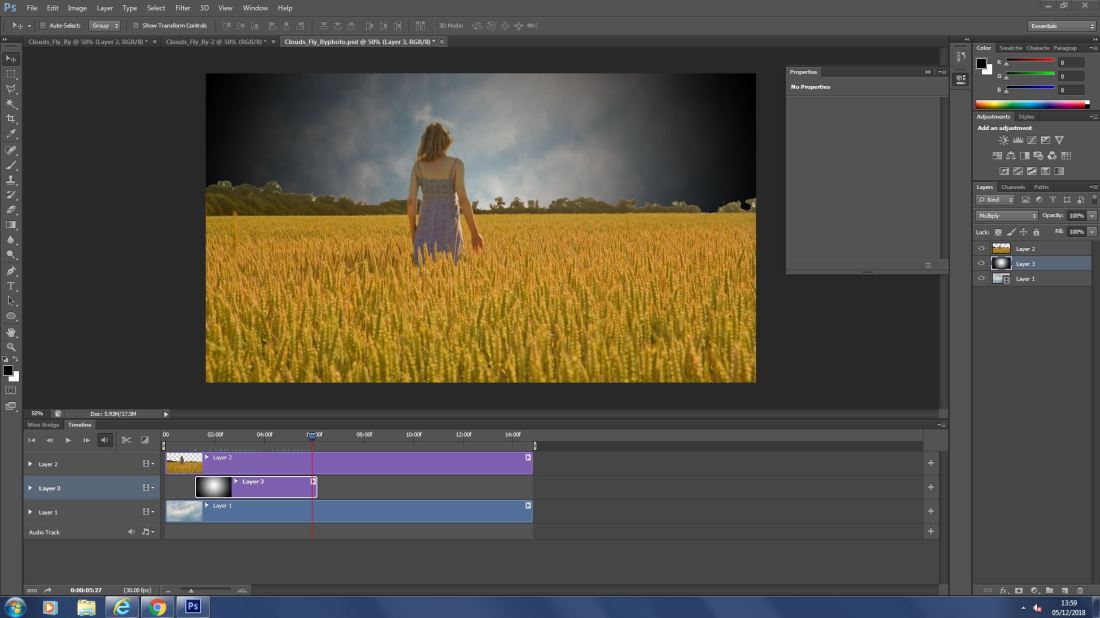
Here i have opened a moving image in Photoshop then used a magic wand to delete the sky and replace it with the moving image. to then which I added a gradient to give a fading effect in the sky from the center of the image and out wards.
 to select and erase 1 color of selected choice to delete the back ground. also i used the CTRL + & – to zoom in and out to be more precise and while zoomed in i held space bar and dragged the screen to navigate.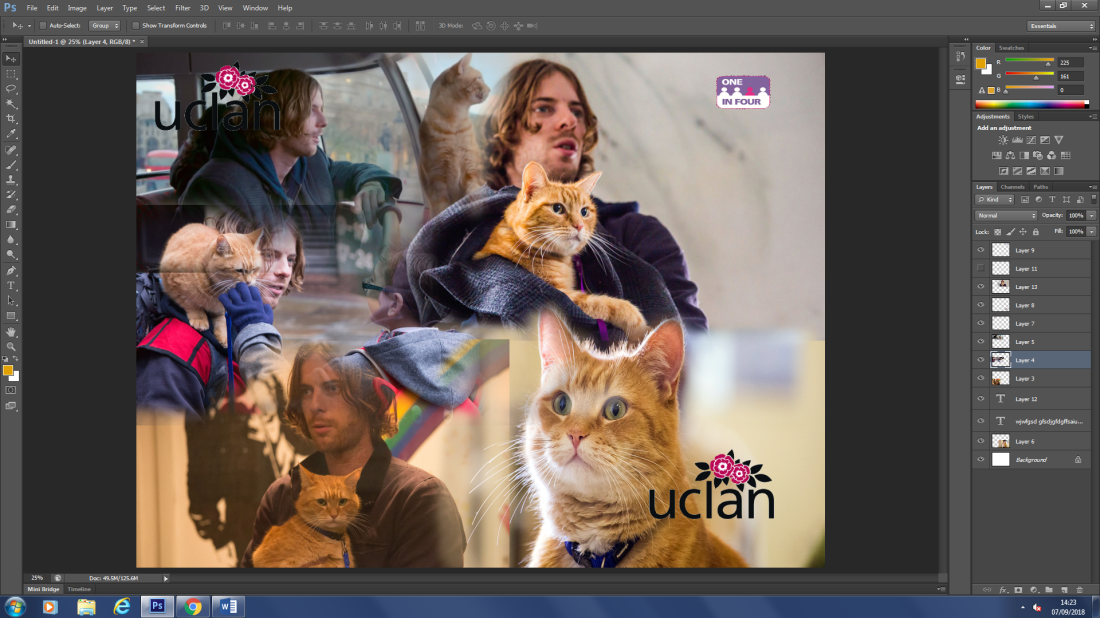
Bird landing in water lasso tool
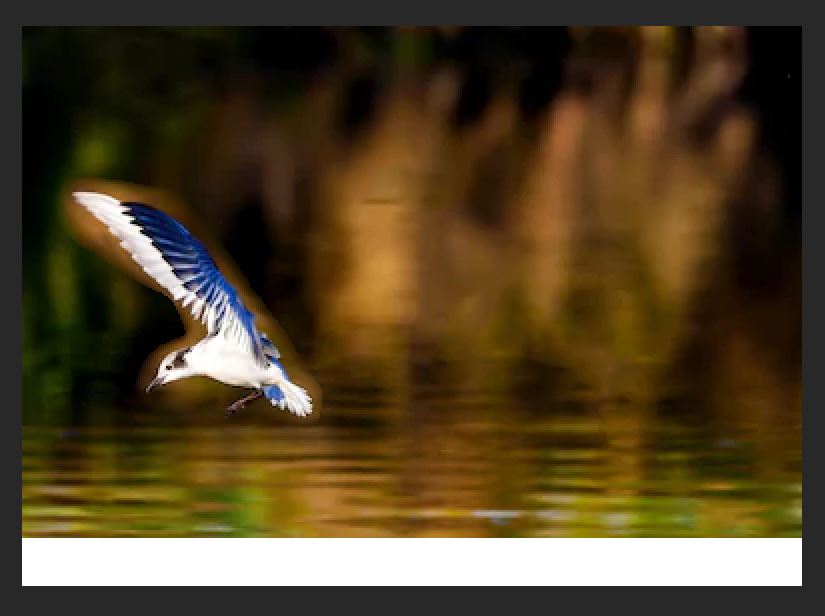 Here i used the lasso tool to move the bird without leaving a white background.
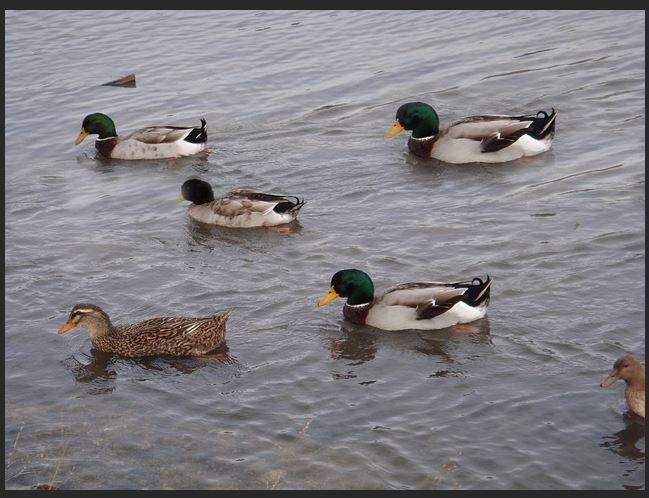 I have duplicated one of the ducks while also hiding one using the clone stamp tool.
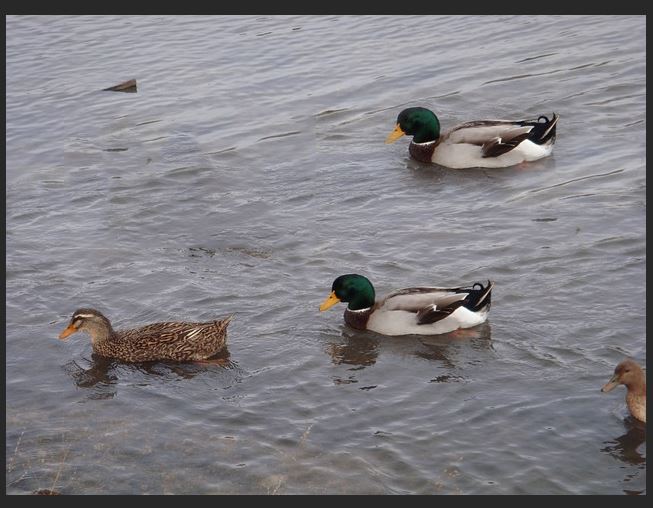 I used the marque tool to select the ducks and then filled it using content aware to hide the subjects.
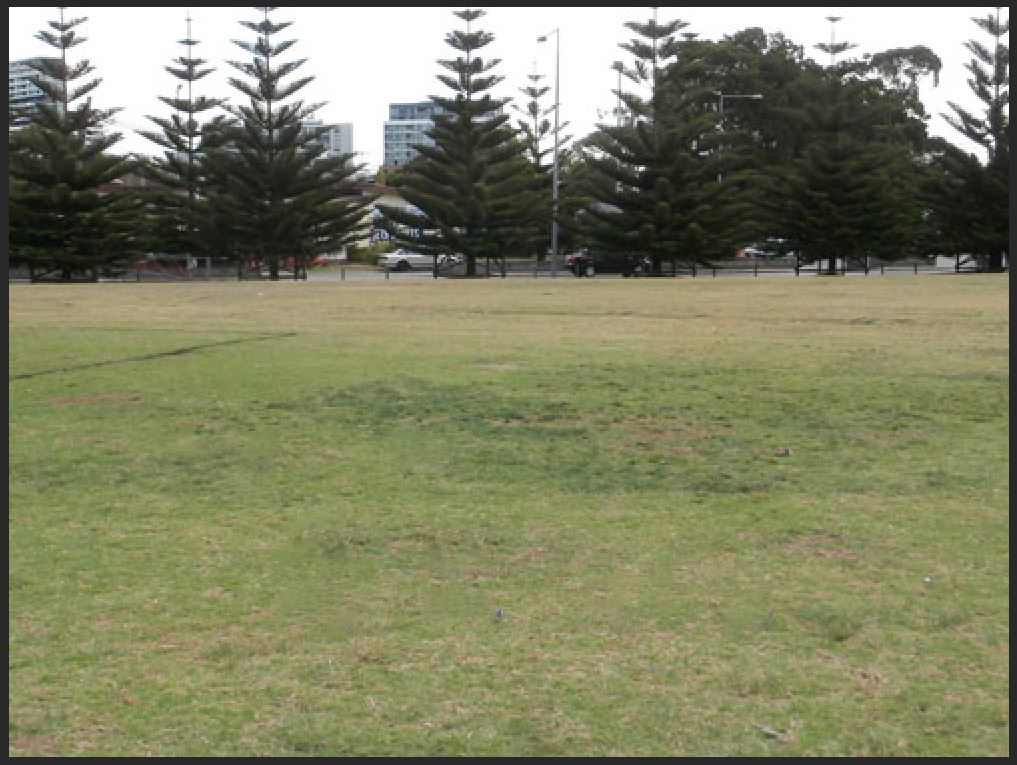 Here i used the healing brush to eliminate the plastic bottles by using an estimate of what is around the subject.
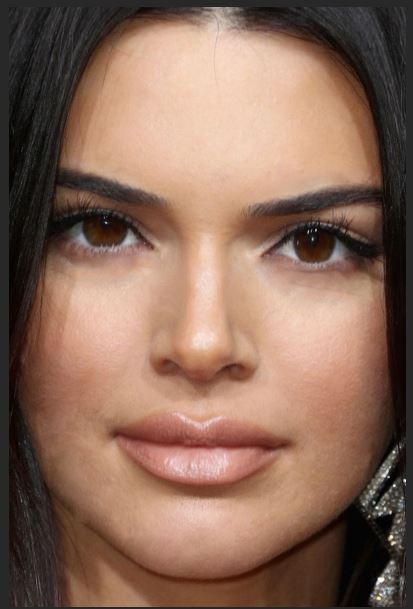 I have used the clone tool and healing to to hide imperfections and then used the liquefy tool to make the eyes bigger the nose sharper and the lips bigger for a better overall image
Today I used the C.A move tool, Clone stamp, marque tool, C.A fill, Spot heal, Healing brush and Liquify.
Movie poster and festival poster

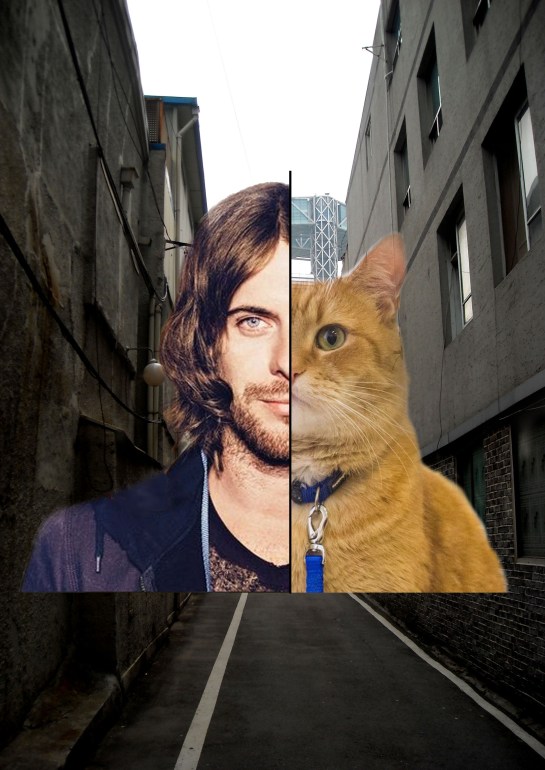


 EllisMedia