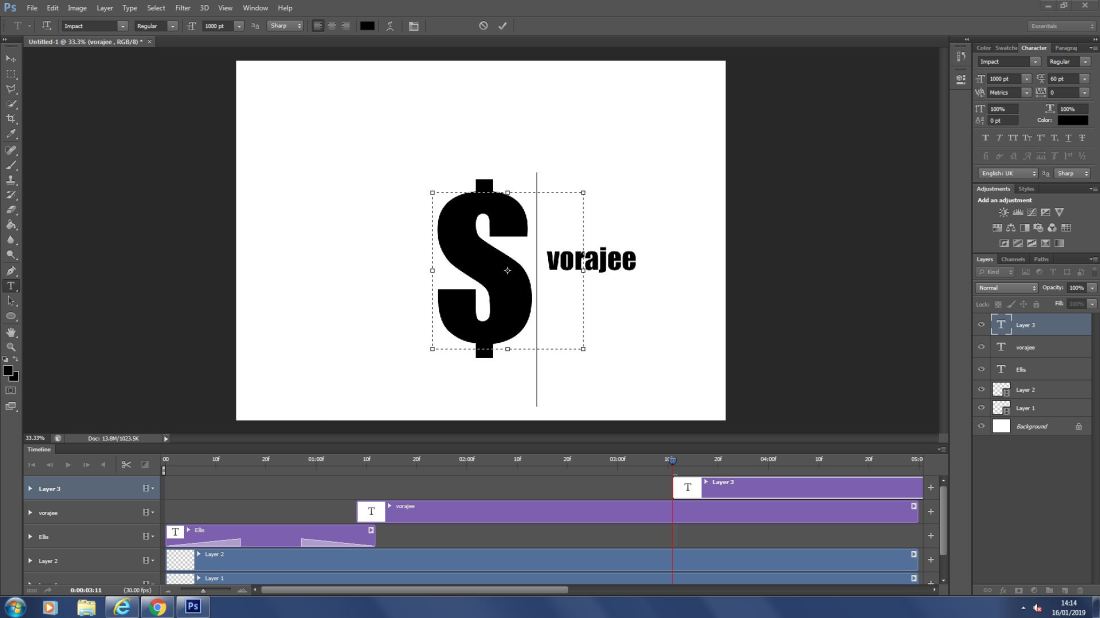
Here i have made my name bounce around the screen and made the dollar sign spin i have also made the “$” sign bigger, changing the size.
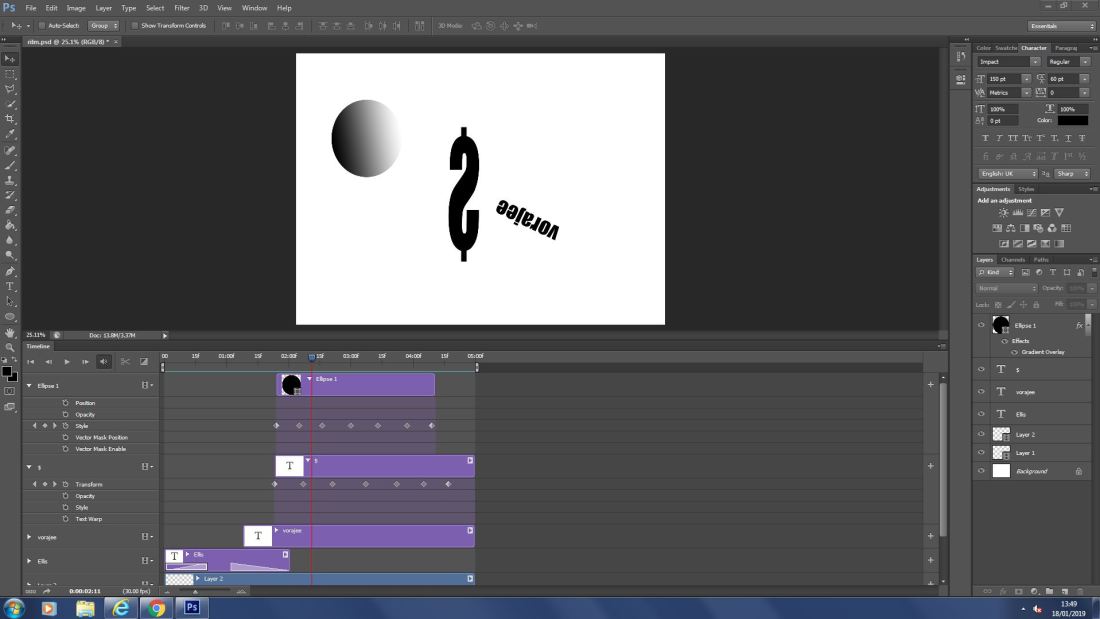
Here i have changed the style of the circle and given it a gradient to the rotating circle

I have applied a fade transition to my name to make it fade in and out.
By using the drop down box it gives us more affects and ways to edit words and images making them spin, move and turn.
I intend my intro sequence to look formal, simplistic, smart and smooth. I also want it to be easy to remember and
Today i have finished my gentrification video and added more layers
prorities
re-film my lines
evaluate all of my footage
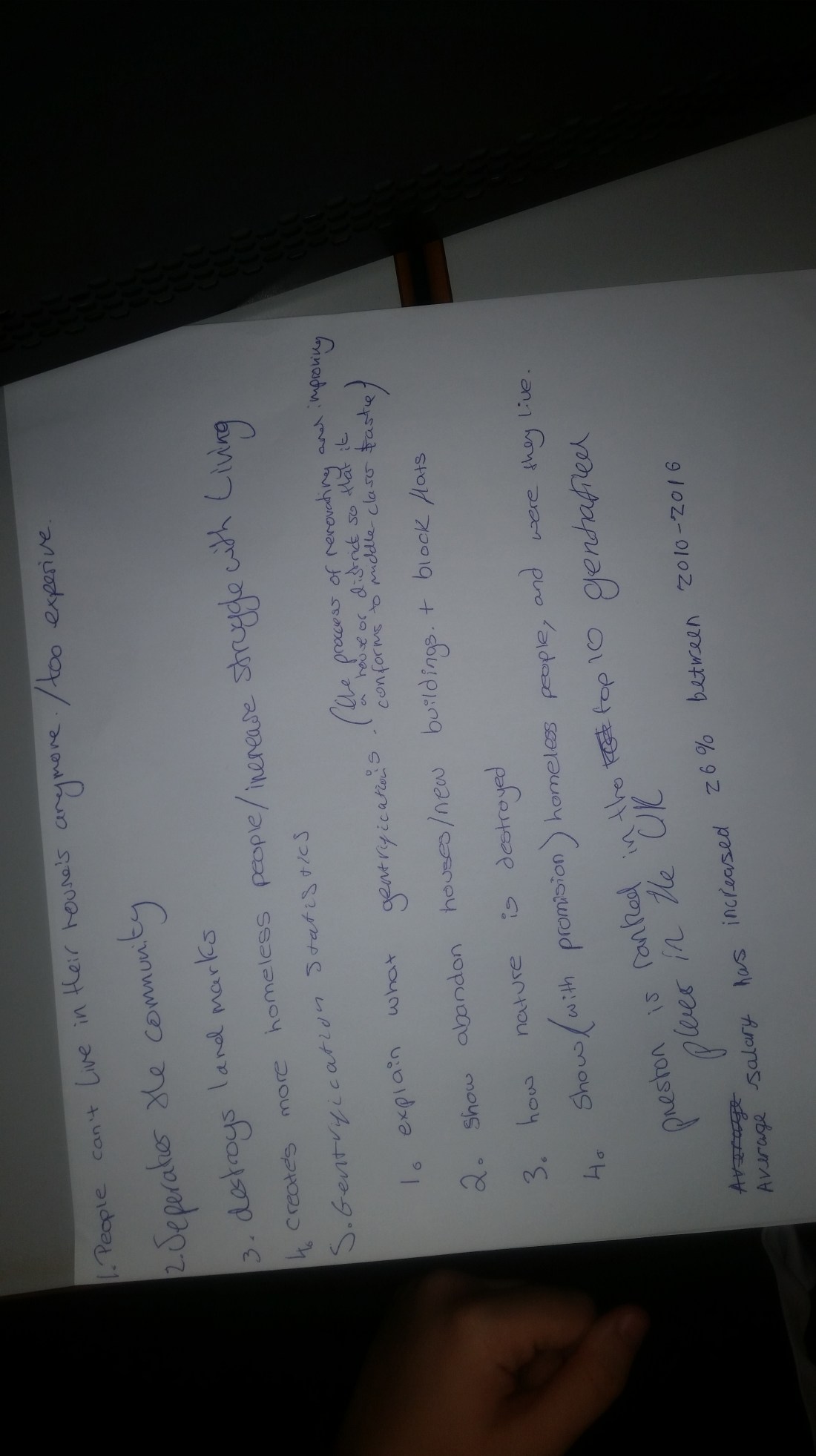
Script – Hello ____________ here and today were going to talk about gentrification which by definition is “the process of renovating and improving a house or district so that it conforms to middle-class taste.” the reason why gentrification is a problem is because when long-time or original neighborhood residents move from a gentrified area because of higher rents, mortgages, and property taxes. Gentrification is a housing, economic, and health issue that affects a community’s history and culture and the networks of relationships among people who live and work in a particular society, which ultimately enables that society to function effectively.
Sequance-
B-roll-5secs
market place
piece to camera-15 secs
B-roll-5secs
B-roll-with voiceover 10 secs
Photos-10secs
Rotoscoping
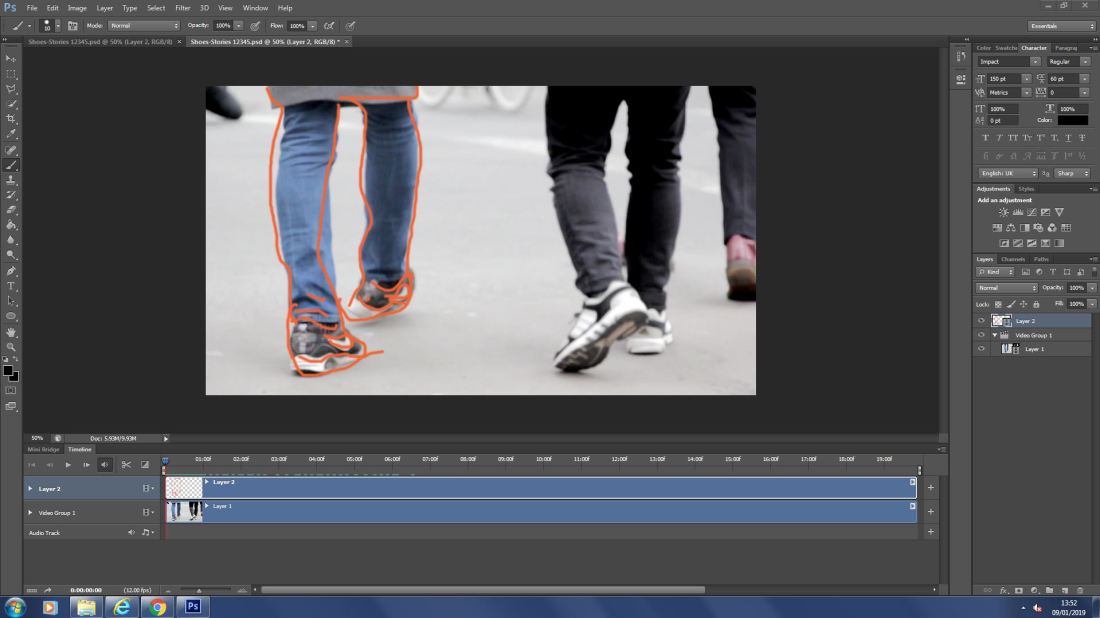 Here i have edited a segment frame by frame and drawn an outline over the picture
gentrification

Here i am editing my gentrification report
Magazine cover
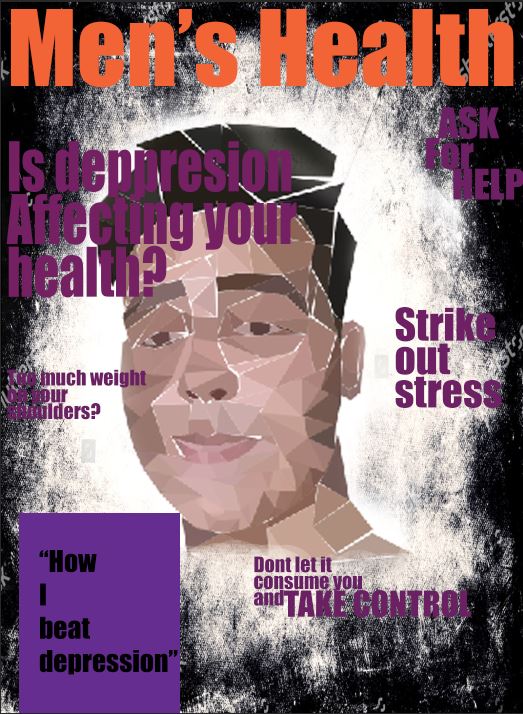
Media & Photoshop
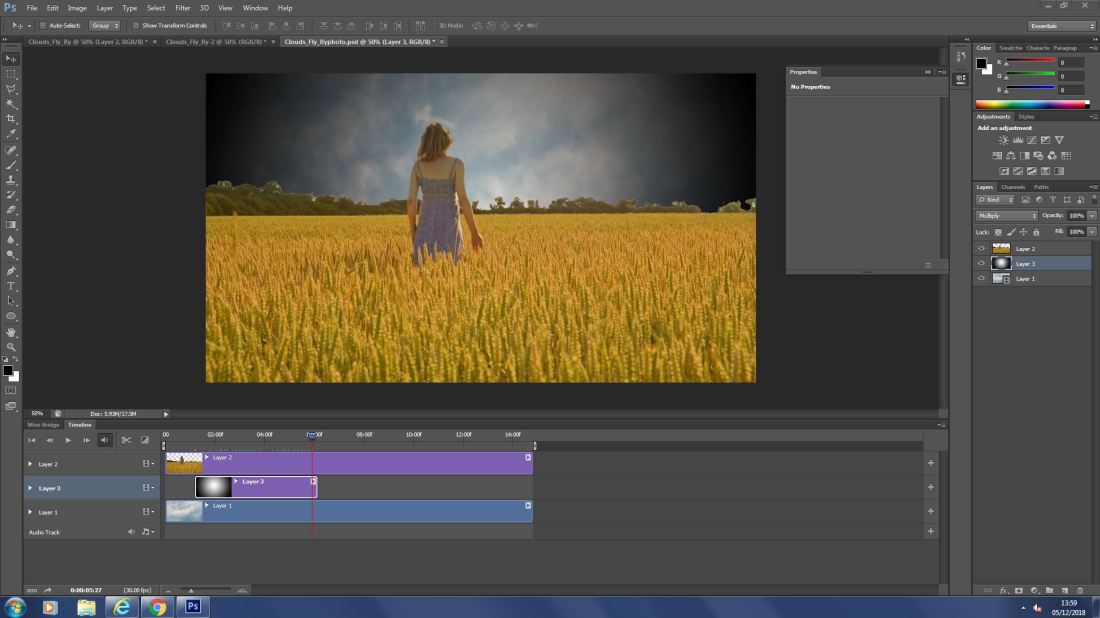
Here i have opened a moving image in Photoshop then used a magic wand to delete the sky and replace it with the moving image. to then which I added a gradient to give a fading effect in the sky from the center of the image and out wards.
 to select and erase 1 color of selected choice to delete the back ground. also i used the CTRL + & – to zoom in and out to be more precise and while zoomed in i held space bar and dragged the screen to navigate.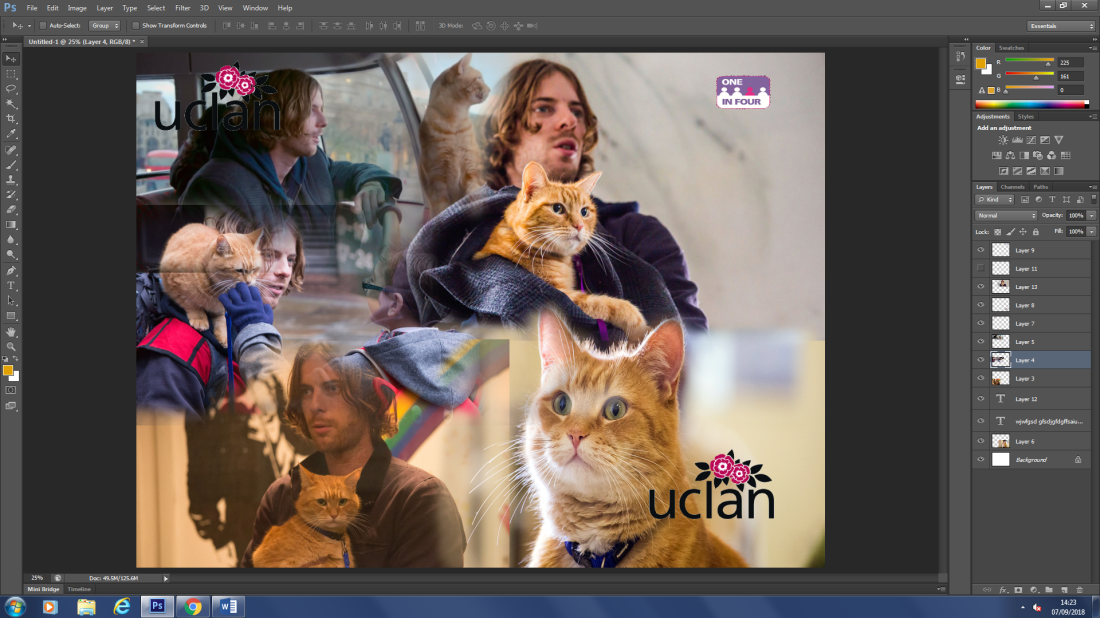
Bird landing in water lasso tool
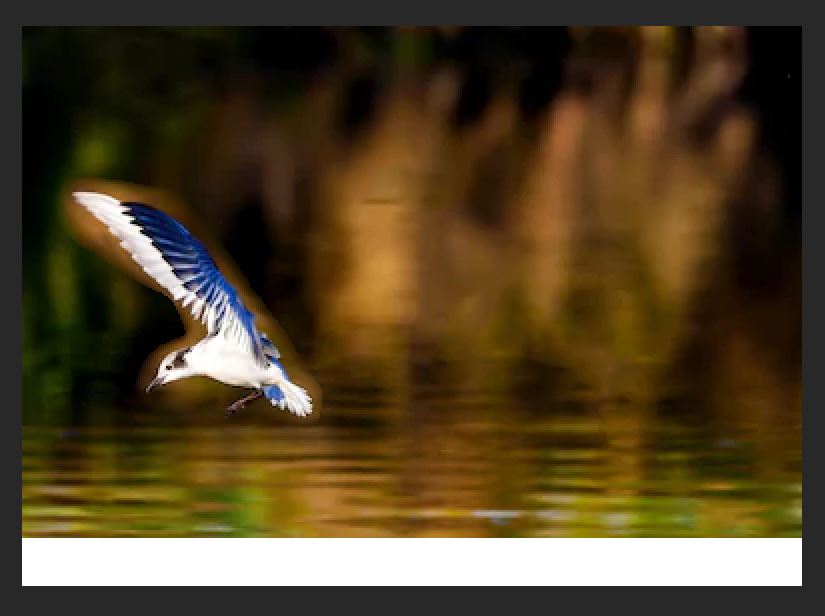 Here i used the lasso tool to move the bird without leaving a white background.
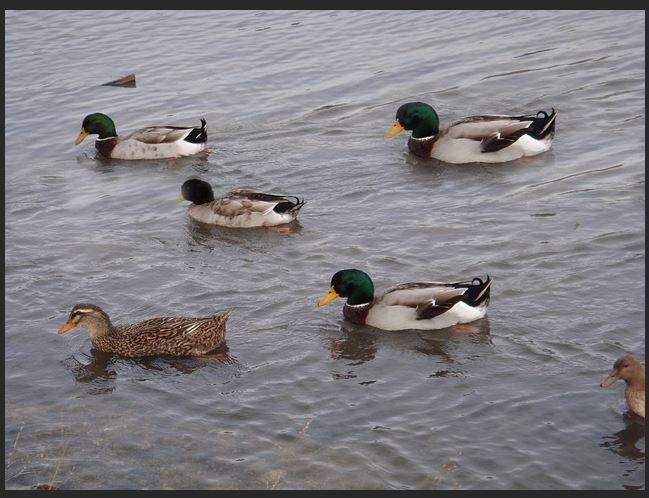 I have duplicated one of the ducks while also hiding one using the clone stamp tool.
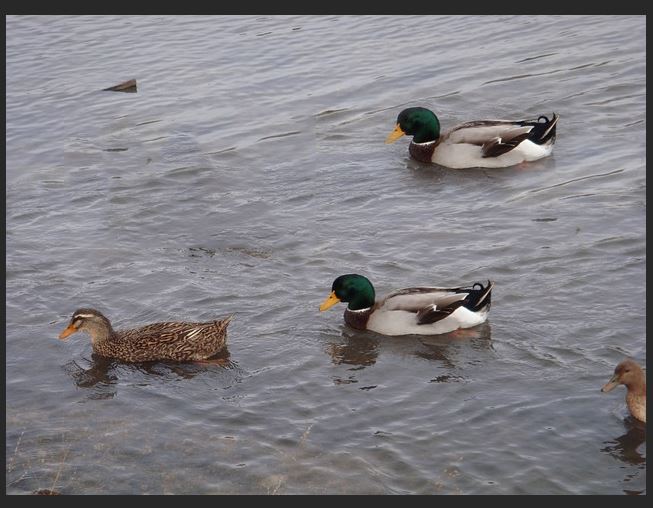 I used the marque tool to select the ducks and then filled it using content aware to hide the subjects.
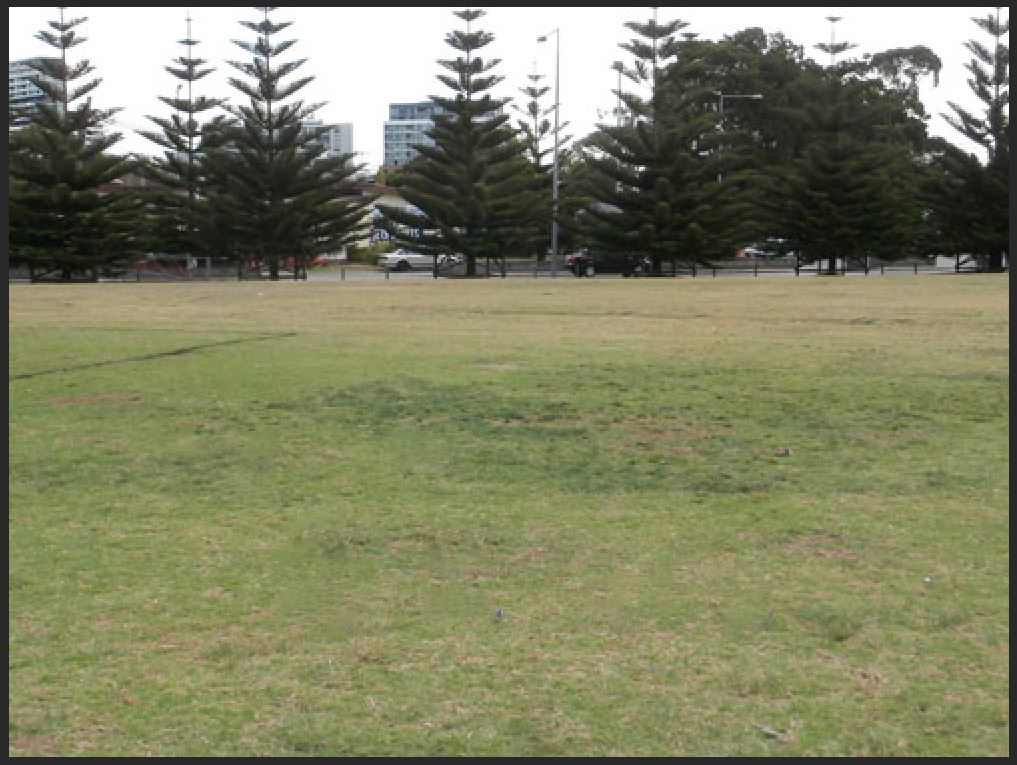 Here i used the healing brush to eliminate the plastic bottles by using an estimate of what is around the subject.
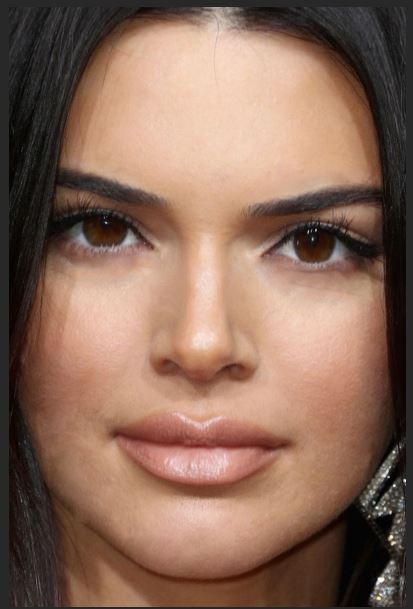 I have used the clone tool and healing to to hide imperfections and then used the liquefy tool to make the eyes bigger the nose sharper and the lips bigger for a better overall image
Today I used the C.A move tool, Clone stamp, marque tool, C.A fill, Spot heal, Healing brush and Liquify.
Movie poster and festival poster



Low poly
low poly image

This is my low poly image that i made using Photoshop and by using the Lasso tool [L] then the eye drop tool [I] and then the paint bucket [G] to create triangles then select the color and add it to the shape using the paint bucket i have then repeated the process to make my finished product. 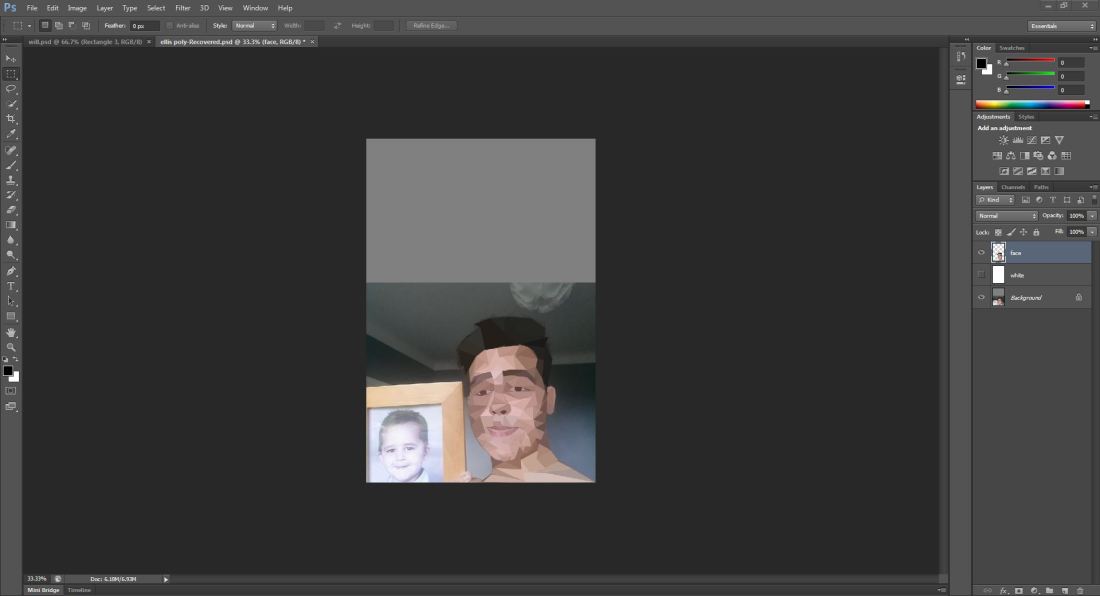
EVALUATION
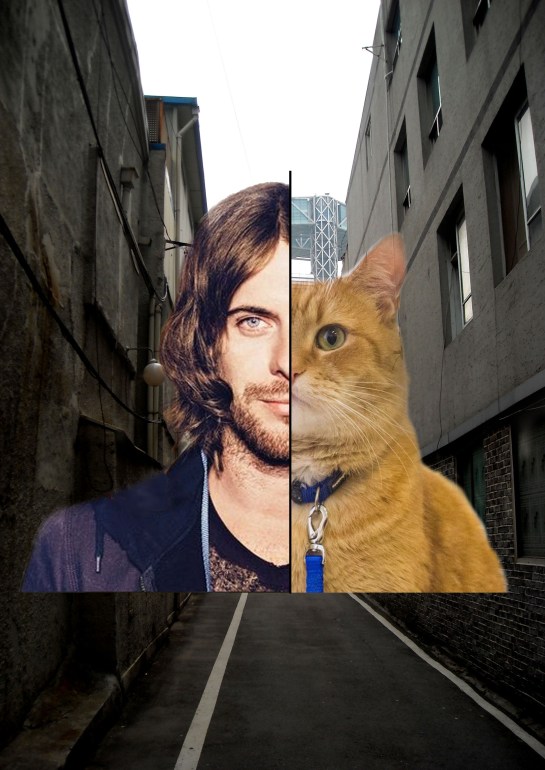
For my “A Street Cat Named Bob” poster i decided to research online at other simplistic posters and imagery and I realized there was many that had one important thing in the middle, Such as a person or object that was tied into the main story and in the background there was a place that was either blury or distorted.
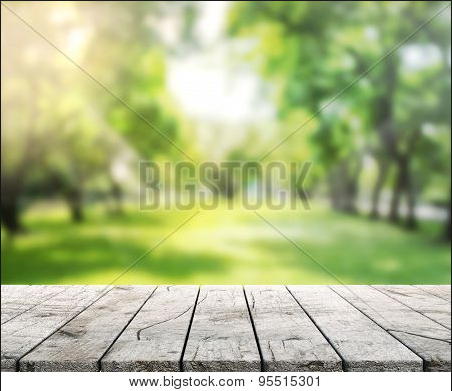
This is one of the images i took inspiration from to design my poster with a focused up close image with a blurry back ground that i found from a quick google search.
As for my mental health poster i researched multiple posters about mental health and the most intriguing ones contained rhetorical questions with short statements maybe a few words scatted around.
I came up with my idea by thinking about what is important and what could help someone in any kind of way or that could push them into getting help, i was mainly inspired by 13 reasons why and the story of young teens having a hard time in life.
my work could be improved by adding some color correction to my poster and finishing it up more neatly with the fade transition.
 EllisMedia